HR Workflow Automation for Onboarding and Offboarding Benefits
Automating hire and termination handoffs closes coverage gaps and compliance risks.
HR workflow automation for onboarding and offboarding benefits is operational infrastructure that prevents coverage gaps, compliance failures, and data errors at hire and termination. Automated benefits compliance monitoring for employees who work in different jurisdictions needs eligibility records that are linked, rules for each jurisdiction, confirmations from carriers, and ongoing checks for exceptions. A workflow is complete only when it records the outcome of each handoff.
Why benefits transitions are the highest-risk moments in the employee lifecycle
If an employer misses a COBRA election notice, it can face federal penalties for each day and each person covered, including dependents. The Department of Labor’s Employer’s Guide to COBRA states that the plan must provide an election notice within 14 days after receiving notice of a qualifying event. The employer has a prior 30-day notification window, making the total 44 days from the qualifying event. These clocks govern different handoffs and must not be treated as interchangeable deadlines.
Onboarding creates a parallel set of time-sensitive obligations. Before coverage is needed, eligibility must be checked, the enrollment window must open, and data must be sent to the carrier. New plan participants must also receive the COBRA general notice within the required window after coverage starts. At both transitions, a late action can leave the employee without usable coverage or the employer without evidence that a legal obligation was met.
Spreadsheets, email chains, and separate carrier portals split those steps among people and systems that have no shared clock. The resulting failures can remain invisible until a claim is denied or a notice deadline has passed. Benefits transitions concentrate data, timing, and compliance risk because each completed step enables the next.
What an automated benefits workflow actually contains, from trigger to confirmation
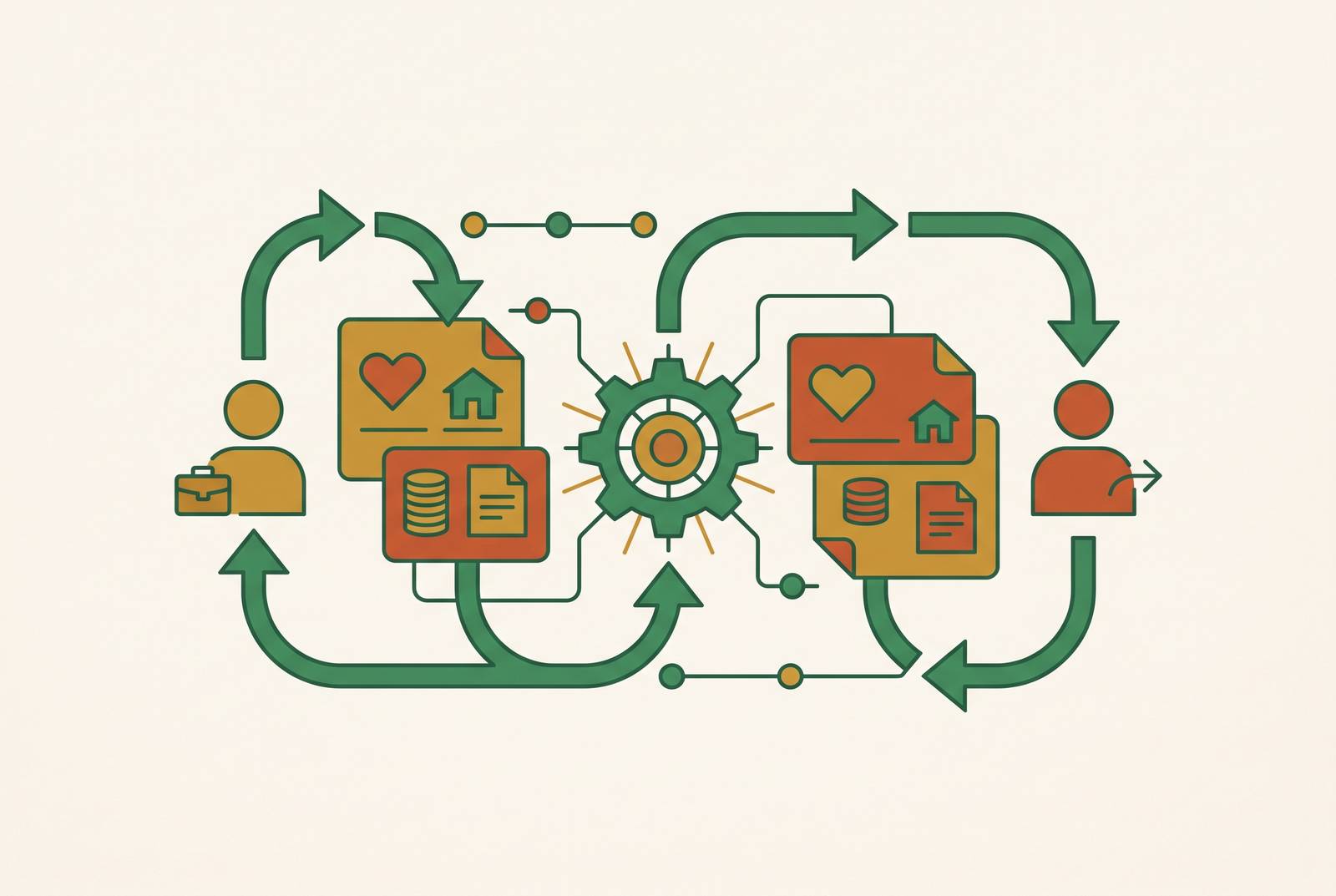
An automated benefits workflow connects event triggers, data validations, carrier transmissions, and confirmation checks in a defined sequence. The hire event in the HRIS starts the eligibility clock when the offer is accepted or the start date is confirmed. Plan rules then determine the enrollment window, and the system presents the election interface to the employee. Each step needs a correct record from the step before it.
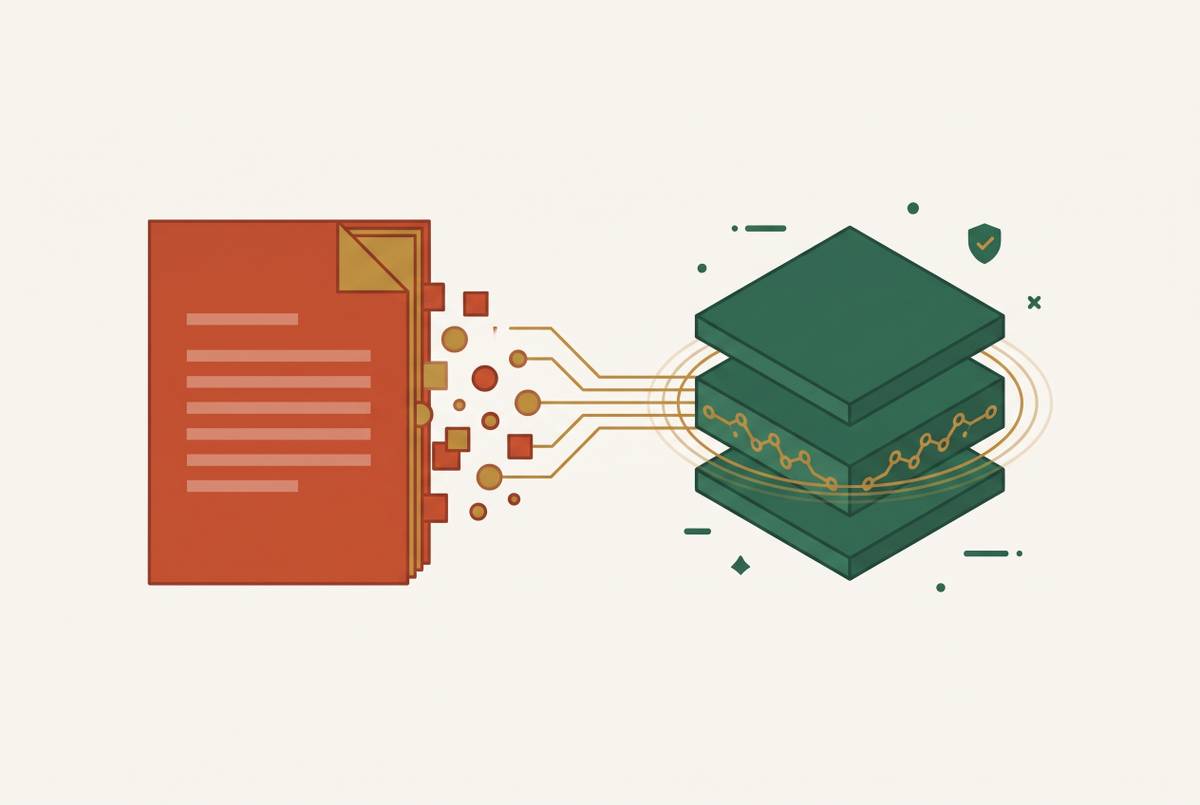
Collecting documents gives the workflow a chance to check them before enrollment reaches the carrier. Intelligent document processing uses OCR extraction, NLP validation, and exception routing to find errors in data that someone would otherwise have to review by hand. The workflow transmits elections through an EDI 834 file or API and records carrier receipt and coverage activation. The employee gets confirmation of coverage, while HR gets an audit trail. When transmissions fail, the workflow flags them as exception tasks so they do not go unnoticed, and it creates and sends the COBRA general notice within the required window.
Offboarding begins with the termination event in the HRIS. It starts the COBRA qualifying event clock and initiates benefits termination. The workflow sends disenrollment to medical, dental, vision, FSA, and life carriers on the dates required by the plans. It also generates the COBRA election notice within the applicable federal deadline and logs delivery confirmation. Final payroll synchronization applies deduction changes in the correct cycle, while the audit trail preserves actions, timestamps, and confirmations for ERISA documentation.
Where manual processes break down and what the failure looks like operationally
An enrollment window can expire even when everyone involved intends to complete the process. A new hire’s 30-day election window may close before the paperwork gets to the person who handles enrollment. The employee can default to no coverage or enter an unintended waiver. HR may submit the enrollment days after the start date, leaving the carrier’s system without a coverage record at the employee’s first doctor visit.
Termination exposes the same disconnect in reverse. Payroll may record that the employee has left while benefits administration waits for someone to open each carrier portal. Coverage can then continue for weeks or months, creating premium liability and potential claims exposure for the employer. At the same time, deductions may keep going after termination or stop before coverage ends. Neither system’s completed task proves that the other system acted.
A mistyped date of birth or dependent relationship may become apparent only when a claim is denied months later, requiring correction with the carrier. These are failures of coordination. When records are kept in separate places, manual administration relies on people remembering what to do next, and each new employee adds work while the process for confirming completion stays no more reliable.
How eligibility triggers connect to HRIS, payroll, and carrier systems
The HRIS supplies the facts that make an eligibility trigger usable. A hire record needs a confirmed start date, employment classification, and benefits eligibility status before the enrollment window can be calculated correctly. A termination record needs the exact last day of active employment and the reason code because plan rules and COBRA eligibility depend on the event. Mid-year changes require attention as well. Marriage, birth, adoption, changes in hours, and a change in work state can all require eligibility recalculation.
Deductions must begin with the appropriate paycheck for the coverage effective date and end on the correct final paycheck. That requires the payroll calendar and coverage dates to remain synchronized. Hours serve a separate compliance function. For employers at or near the 50 full-time equivalent threshold, payroll must feed ACA monitoring so the workflow can flag an approaching Applicable Large Employer obligation, rather than waiting for a year-end reporting exercise.
An EDI 834 file or API transmission without acknowledgment leaves HR unable to distinguish a completed enrollment from an unresolved handoff. Dependent names, dates of birth, and relationships must travel with the enrollment transaction to avoid errors at the point of care. The integration layer links the records already in use, keeping them as the system of record. Workflow automation should sit on top of the HRIS already in use.
How do employers keep benefits compliance up to date across multiple states?
A remote hire in a new state creates parallel obligations beginning on the employee’s first day of work. These usually include registration for state income tax withholding and unemployment insurance, workers’ compensation coverage, and enrollment in any state-mandated paid family and medical leave program that applies. For benefits administration, the consequence is immediate. The hire’s location must inform the workflow rather than remain an address field that has no effect on eligibility or compliance tasks.
State continuation coverage rules can add to or change federal COBRA requirements. One federal notice template may leave out duties that apply to some employees under state rules. State pay transparency laws also affect offer documentation and the information entering the HRIS at hire. An employee incorrectly categorized as a contractor can be excluded from the benefits plan, COBRA notices, and ACA reporting, creating exposure across several frameworks at once.
Automated monitoring must connect jurisdiction changes to workflow changes. That means tracking new rules, flagging obligations when employees enter new states, and updating the rules that govern benefits administration. A system that only stores state information still leaves the compliance work with HR. As the workforce spreads across jurisdictions, the combination of location, classification, plan rules, and effective dates makes manual administration structurally difficult to maintain.
ACA and ERISA obligations that automated workflows must handle at the employer level
An employer becomes an Applicable Large Employer when it averages 50 full-time equivalents in the prior calendar year, including the contribution of part-time and variable-hour employees to that calculation. A single hire does not establish that annual status. The workflow must aggregate hours and flag an approaching threshold early enough for the employer to prepare for coverage and reporting obligations.
Once the employer has ALE status, it must offer minimum essential coverage that meets affordability and minimum value standards. The affordability percentage changes by plan year, so contribution calculations require recalibration at renewal. These settings cannot remain fixed indefinitely. The workflow must also produce accurate monthly data for 1094-C and 1095-C reporting from enrollment and termination records, rather than requiring HR to reconstruct coverage at year-end.
ERISA reporting needs the same records of enrollment and termination. Plans with 100 or more participants at the start of the plan year must file Form 5500 annually, and late filing can trigger separate Department of Labor and IRS penalties. Participant counts must therefore reflect completed enrollments and terminations. COBRA administration also extends beyond sending notices to election tracking, premium collection, and continued coverage administration. Integrating those functions with the benefits record reduces the gaps created by standalone administration, but the resulting compliance output remains only as reliable as the underlying dates and coverage records.
What to sequence when building or evaluating an automated benefits workflow
For HR and operations leaders building or buying this infrastructure, implementation should follow dependencies and exposure. HRIS integration comes first because every downstream action relies on the system of record. Termination and COBRA automation come second because a missed notice puts the employer at risk of penalties right away. The onboarding pipeline follows, from eligibility and election windows through carrier transmission and confirmation. Ongoing eligibility monitoring then adds ACA hours, life events, status changes, and state rule updates, followed by reporting and audit trail generation.
A platform that transmits enrollment but does not record carrier confirmation leaves the decisive handoff unresolved. State-specific rules should apply automatically rather than requiring HR to configure each state again whenever a hire is added. Continuous monitoring should cover ACA FTE counts, COBRA deadlines, and Form 5500 filing windows. A task that runs only when HR initiates it is not continuous monitoring.
Employee access is another distinct evaluation criterion. Around-the-clock access to enrollment status, coverage confirmation, and benefits questions addresses the employee-facing side of the workflow, which a generated PDF and telephone number do not resolve in the same way. Spine, an AI-native benefits brokerage that runs on top of a company's existing HRIS, offers employees a 24/7 concierge through its Heal app, not just HR. For a company leaving a PEO, implementation timing becomes especially important. The replacement workflow must activate in step with the exit so coverage stays continuous and COBRA obligations arising from the transition are managed correctly.
How to monitor, audit, and maintain automated workflows after they are live
Live workflows require active exception reporting. Failed transmissions, missing confirmations, and approaching deadlines should appear as tasks requiring attention. ACA monitoring should flag proximity to the 50 FTE threshold and the point at which it is crossed so the employer can prepare for the applicable obligations. COBRA tracking must continue after notice delivery. The system needs to track elections within the 60-day election window and whether premiums arrive on time.
Regulatory and carrier changes require continuing maintenance. State paid leave programs and continuation coverage requirements must be reflected in workflow rules as they change, ideally without manual configuration by HR. Annual renewal also requires updates to ACA affordability percentages, HSA contribution limits, and out-of-pocket maximums. Carrier EDI requirements create another source of change. A workflow that was correctly configured at launch can become unreliable if these inputs remain static.
Every COBRA notice, enrollment confirmation, and carrier transmission should have a timestamp and delivery confirmation so HR can establish what happened when a claim or penalty is disputed. ERISA plan records should be stored or exported in a format that survives a platform change. Monitoring and retention serve different purposes. One brings unresolved work to attention, while the other preserves evidence that completed obligations were met.
The first action for an HR team is to audit its current COBRA and eligibility trigger workflows, because those two points present the highest immediate compliance exposure.